




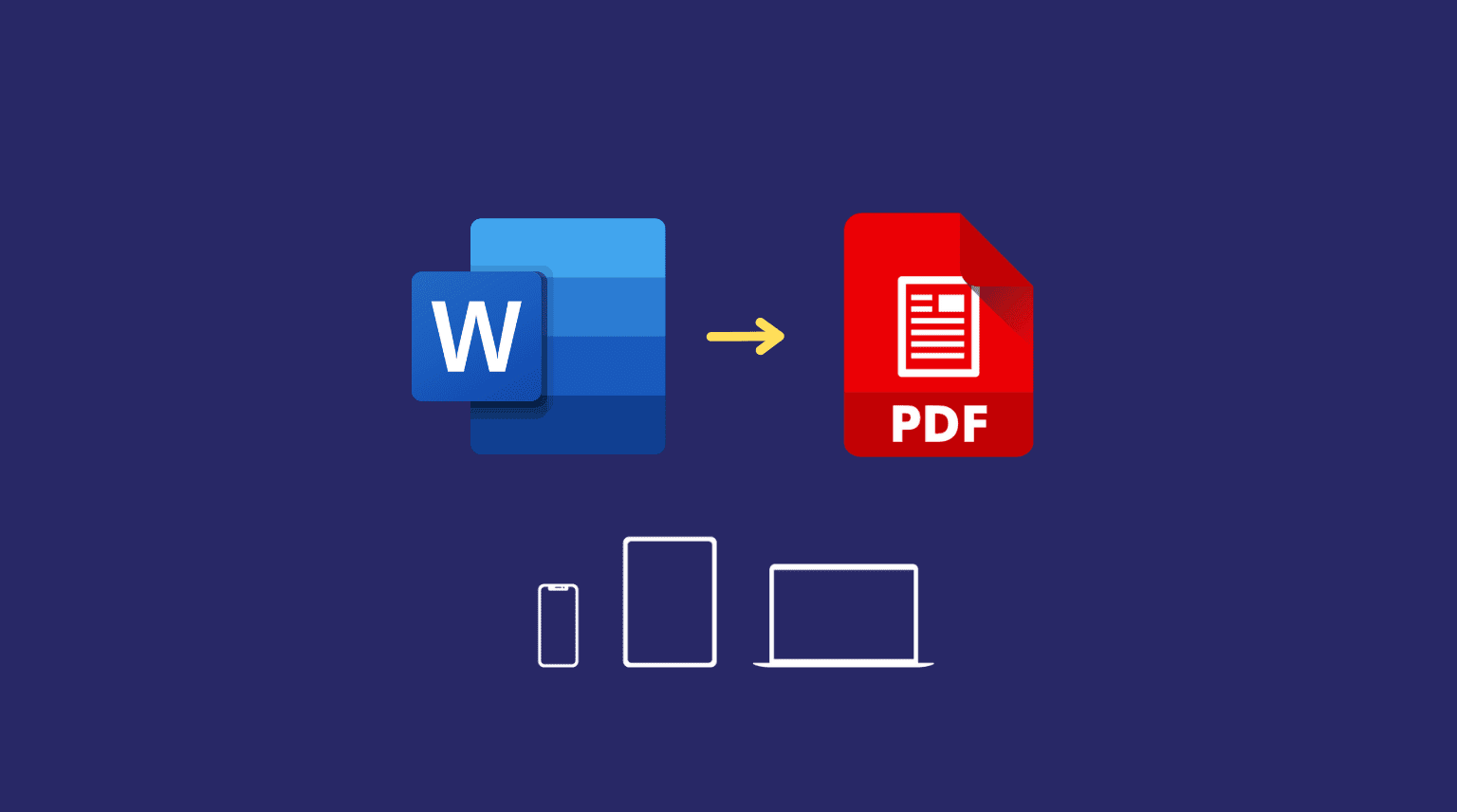
PDFs remain the preferred format for finalized documents, but most workflows begin and end in editable file types such as Word, Excel, PowerPoint, or image formats. Converting between PDFs and these common formats is therefore a routine requirement across academic, business, and administrative settings.
PDF conversion tools vary in capability. Some focus exclusively on single-direction exports—such as PDF to Word—while others offer full bidirectional conversion, batch processing, and layout preservation controls. The key distinctions typically involve format coverage, formatting accuracy, and integration with broader document management features.
For users seeking a reliable way to convert PDFs to and from common file formats in a browser, Adobe Acrobat remains the most broadly suitable option. Its online tools support a wide range of conversions while maintaining layout consistency and integrating with editing, compression, and sharing features. This balanced feature set makes it accessible to non-specialists while robust enough for professional use.
Best PDF Conversion Tool for Comprehensive Format Support
Adobe Acrobat
A browser-based PDF platform offering bidirectional conversion across major document formats.
Overview
Platforms supported: Web, Windows, macOS, iOS, Android
Pricing model: Free limited conversions; subscription required for advanced features
Tool type: Integrated online PDF editor and converter
Strengths
- Convert PDFs to Word, Excel, PowerPoint, and image formats
- Convert common file types into PDFs
- Preserve layout and formatting structure
- Batch processing in subscription tiers
- Integration with editing and compression tools
Limitations
- Advanced export options require subscription access
- Broader feature set may exceed simple one-time needs
Editorial summary
Adobe Acrobat is suited to users who regularly move between PDF and editable formats. Business professionals, educators, and consultants often require conversion alongside editing, compressing, and organizing documents.
Through Adobe Acrobat’s online document converter, users can handle both export and import workflows within the same browser interface. This reduces the need to rely on separate utilities for each file type.
Compared with narrower conversion tools, Acrobat offers a more balanced environment, combining accessibility with structured format control.
Best PDF Conversion Tool for Quick One-Off Tasks
CloudConvert
A web-based file conversion platform supporting a wide range of formats.
Overview
Platforms supported: Web
Pricing model: Free tier with limits; pay-as-you-go and subscription plans
Tool type: Multi-format online file converter
Strengths
- Supports numerous document and media formats
- No software installation required
- Customizable output settings
- Suitable for occasional use
Limitations
- Not focused exclusively on PDFs
- Limited integrated editing features
Editorial summary
CloudConvert is appropriate for users who occasionally convert files between multiple formats beyond PDFs. Its flexibility makes it useful for mixed-format environments.
However, it does not integrate editing, annotation, or document management tools to the same extent as Acrobat.
Best PDF Conversion Tool for Batch Document Processing
iLovePDF
A modular online PDF utility suite with strong batch capabilities.
Overview
Platforms supported: Web, Windows, macOS, mobile apps
Pricing model: Free tier; premium subscription available
Tool type: Online PDF utility and converter
Strengths
- Batch conversion support
- PDF to Word, Excel, and PowerPoint exports
- File merging and splitting tools
- Cloud storage integrations
Limitations
- Usage limits in free version
- Editing depth more limited than full editors
Editorial summary
iLovePDF is suited to small businesses or administrative teams handling multiple files at once. Batch conversion is a practical advantage in document-heavy workflows.
Compared with Acrobat, it emphasizes modular tasks rather than a fully integrated document editing environment.
Best PDF Conversion Tool for Desktop-Based Editing
Foxit PDF Editor
A professional PDF editor with conversion and export capabilities.
Overview
Platforms supported: Windows, macOS, Web
Pricing model: Subscription-based
Tool type: Desktop and web PDF editor with conversion tools
Strengths
- Convert PDFs to major office formats
- Advanced editing and annotation tools
- Secure document controls
- Enterprise deployment options
Limitations
- Subscription required for full functionality
- Interface geared toward professional users
Editorial summary
Foxit PDF Editor is suited to organizations that require conversion alongside structured editing and governance tools. It is particularly relevant in enterprise or compliance-driven environments.
Compared with Acrobat’s browser-first accessibility, Foxit may appeal more to IT-managed deployments.
Best PDF Conversion Tool for Mac-Centric Workflows
PDF Expert
A macOS-focused PDF editor offering export capabilities.
Overview
Platforms supported: macOS, iOS
Pricing model: Paid license
Tool type: Desktop PDF editor
Strengths
- Export PDFs to Word and other formats
- Native macOS interface
- Annotation and markup tools
- Offline functionality
Limitations
- Limited to Apple ecosystem
- Not fully browser-based
Editorial summary
PDF Expert is appropriate for Mac-based professionals who prefer a desktop-native solution. Conversion features integrate with editing and annotation tools.
However, its platform limitation makes it less universally accessible than browser-based platforms like Acrobat.
Conversion as Part of the Document Lifecycle
File conversion rarely occurs in isolation. Documents are often converted from editable formats into PDFs for distribution, then reconverted for revision or collaboration. This cycle places conversion tools at the center of many knowledge workflows.
After conversion, documents are frequently shared through collaborative communication platforms. For instance, teams may coordinate distribution via Slack’s paid plans, where converted files are discussed and version updates are tracked. These communication systems operate downstream from conversion tools, focusing on coordination rather than file transformation.
Understanding this broader lifecycle clarifies the role of PDF conversion software. Tools such as Acrobat and its competitors handle structural file transformation, while collaboration platforms manage distribution and communication.
Best PDF Conversion Tools: FAQs
Does conversion preserve formatting perfectly?
Formatting preservation depends on document complexity. Advanced tools typically retain layout structure better than lightweight converters, though highly complex designs may require manual adjustments.
Can PDFs be converted back to fully editable documents?
Most major converters support export to Word or Excel formats, but the level of editability depends on original formatting and embedded elements.
Are browser-based converters secure?
Security varies by provider. Established platforms generally implement encrypted uploads and downloads, though users should review privacy policies when handling sensitive files.
When is an integrated PDF platform preferable to a standalone converter?
An integrated platform is preferable when conversion is part of a broader workflow that includes editing, compression, or document organization.

Dilawar Mughal is an accomplished author with a passion for storytelling. His works span various genres, from thrilling mysteries to heartfelt romance novels. With a keen eye for detail and a knack for character development, Sana Fatima weaves engaging narratives that captivate readers and transport them to new worlds.